Documentation for Lexis Advance® Quicklaw®


GET STARTED


Introduction and Landing Page Overview
Introduction and Landing Page Overview
-
Introduction and Landing Page Overview
Introduction and Landing Page Overview
Video -

Natural Language Searching
An introduction and brief overview of the content available in Lexis Advance Quicklaw to help you get started with your legal research.
Video -

Viewing and Filtering Results
See the different options to optimize viewing your results and learn the power of using post-search filters to zero in on the best results using Lexis Advance Quicklaw.
Video -

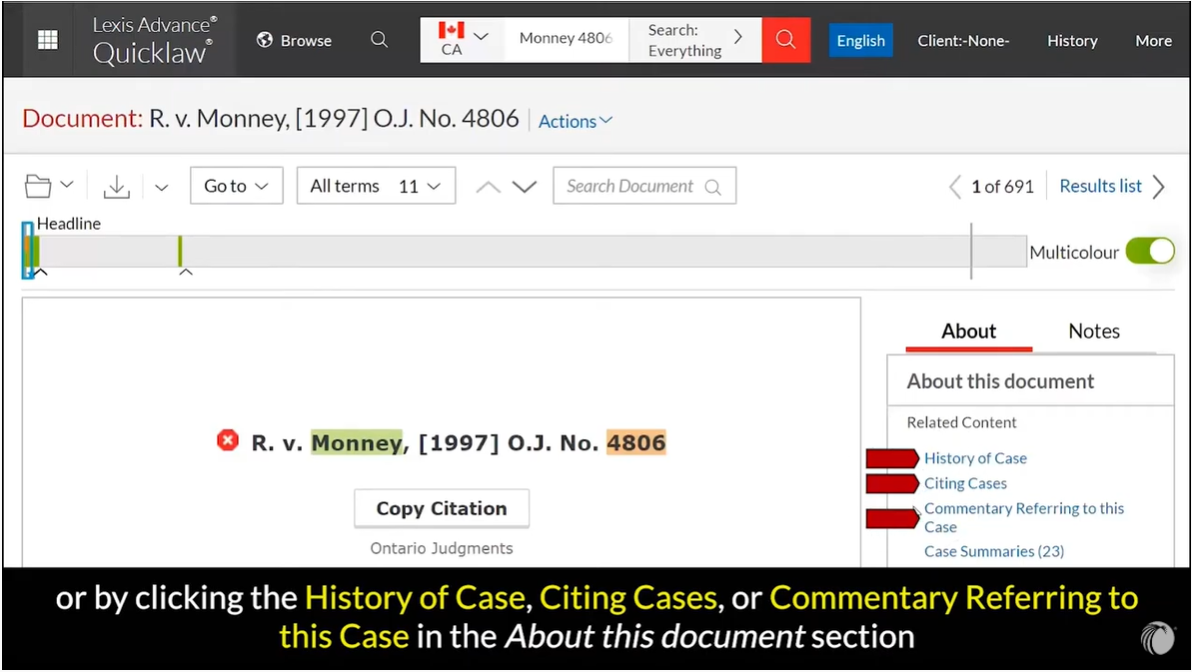
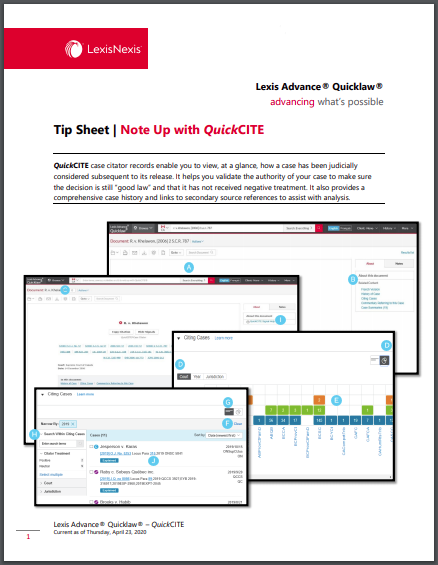
QuickCITE
Learn how to note up your cases and legislation to make sure your results are still valid.
Video -

Delivering Documents
Find out how to print, save, email, and save your documents to Dropbox on Lexis Advance Quicklaw.
Video -

Alerts
Learn how to set alerts to be automatically notified of new search results.
Video

SEARCHING

Natural Language Searching
An explanation of how Natural Language searching helps you easily get great results on Lexis Advance Quicklaw.
-
Natural Language Searching
An explanation of how Natural Language searching helps you easily get great results on Lexis Advance Quicklaw.
Video -

Boolean Searching NEW!
Learn the basics of how to do a proper search using Boolean terms & connectors. Be sure to check out part 2 as well!
Video -

Pre-Search Filters
Learn how to apply pre-search filters in Lexis Advance Quicklaw when you have a narrow starting point in mind.
Video -

Word Wheel and Finding Sources
See how to use the word wheel and learn how to locate individual sources of interest on Lexis Advance Quicklaw.
Video -
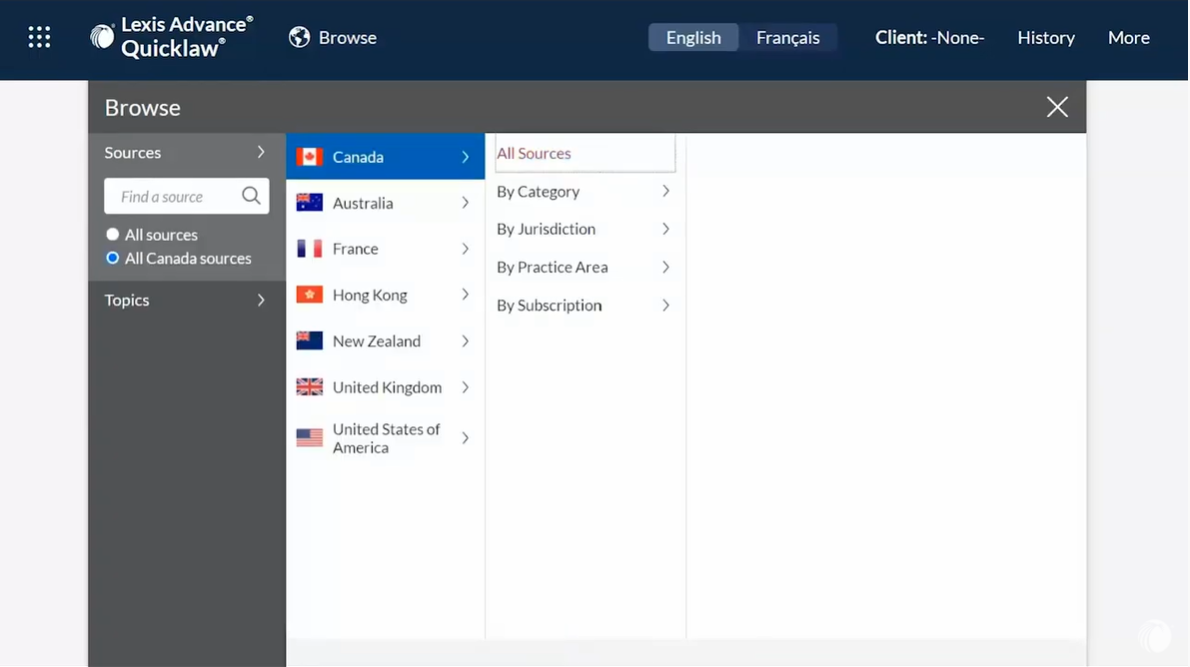
Browsing Sources
See how to find and access a particular source on Lexis Advance Quicklaw.
Video -
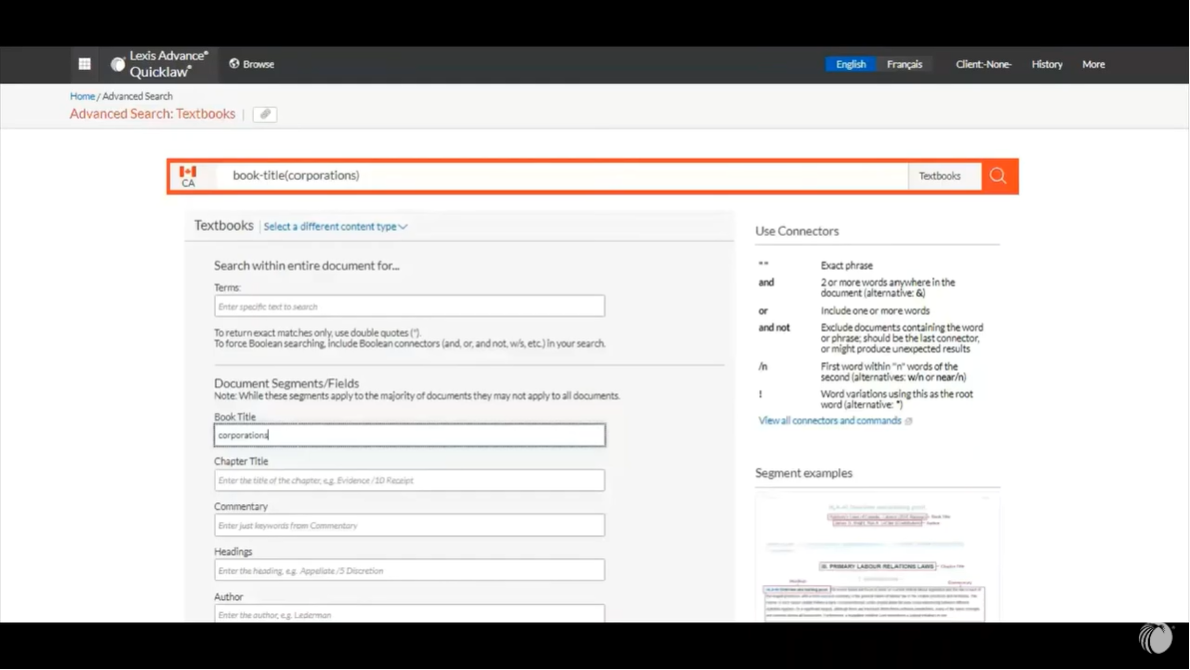
Segment Searching
Find out how you can use document segments to target your research on Lexis Advance Quicklaw.
Video -

Viewing and Filtering Results
See the different options to optimize viewing your results and learn the power of using post-search filters to zero in on the best results using Lexis Advance Quicklaw.
Video
-

Start Your Search: Red Search Box
Article -
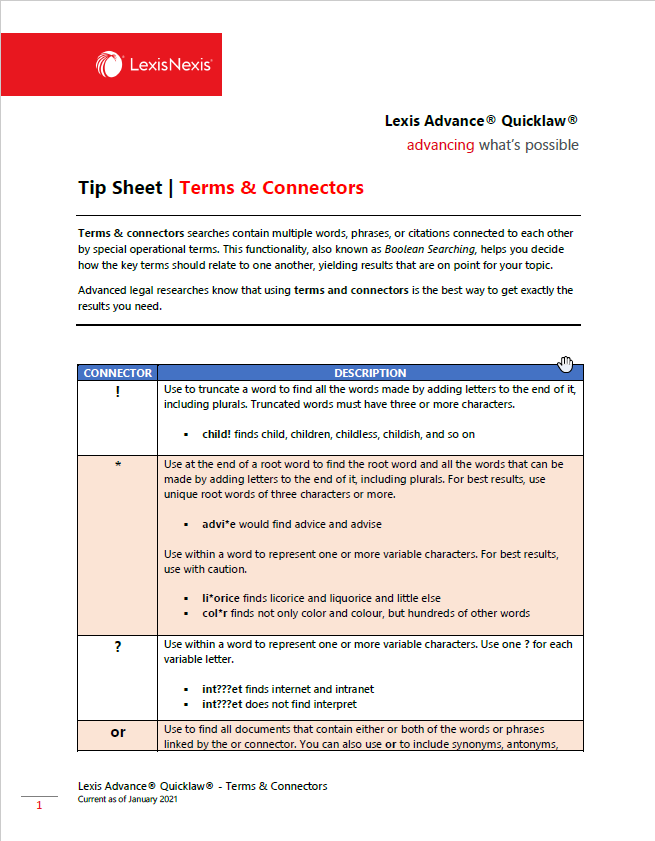
Boolean Searching NEW!
Article -

Browsing Sources & Topics
Article -
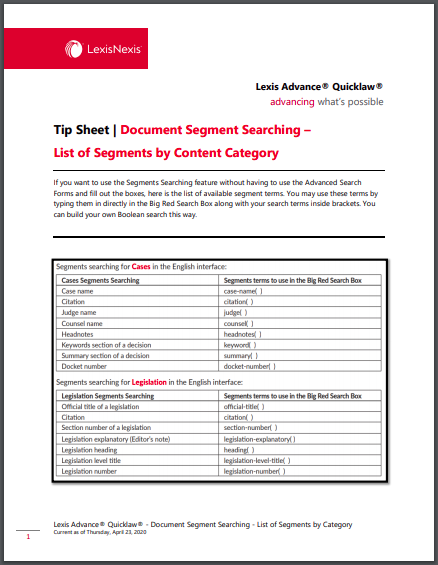
Document Segment Searching – List of Segments by Content Category
Article -

Filter Your Search
Article -

Restricting Your Search to a Specific Source
Article -

Search Results: Find Most Relevant Documents Fast
Article
EXPLORE CONTENT

Explore Content Pod
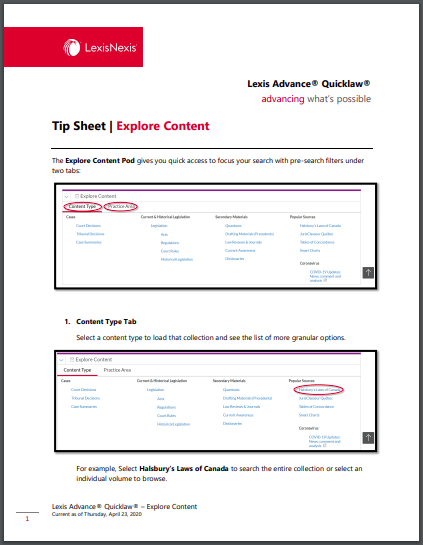
By clicking on a link in the Explore Content Pod, you will automatically restrict your search results to a specific content type, legal topic and/or jurisdiction.
-
Explore Content Pod
By clicking on a link in the Explore Content Pod, you will automatically restrict your search results to a specific content type, legal topic and/or jurisdiction.
Video -

Explore Content Pod - 2020 Redesign
The Explore Content feature shows you available sources more quickly so you can choose, search, and view results for just the sources you want. Clicking on a link under Explore Content will automatically restrict your search results to a specific content type, legal topic, and/or jurisdiction.
Video


CONTENT

Canadian Forms & Precedents NEW
See how you can easily access Canadian Forms & Precedents using Lexis Advance Quicklaw.
-
Canadian Forms & Precedents NEW
See how you can easily access Canadian Forms & Precedents using Lexis Advance Quicklaw.
Video -

Topics
Learn how to use our legal taxonomy to zero in on relevant search results using Lexis Advance
Video -

Canada Digest
Take a look at LexisNexis Canada's case digest tool Canada Digest, containing over a million case summaries classified by area of law.
Video -
Halsbury's Laws of Canada
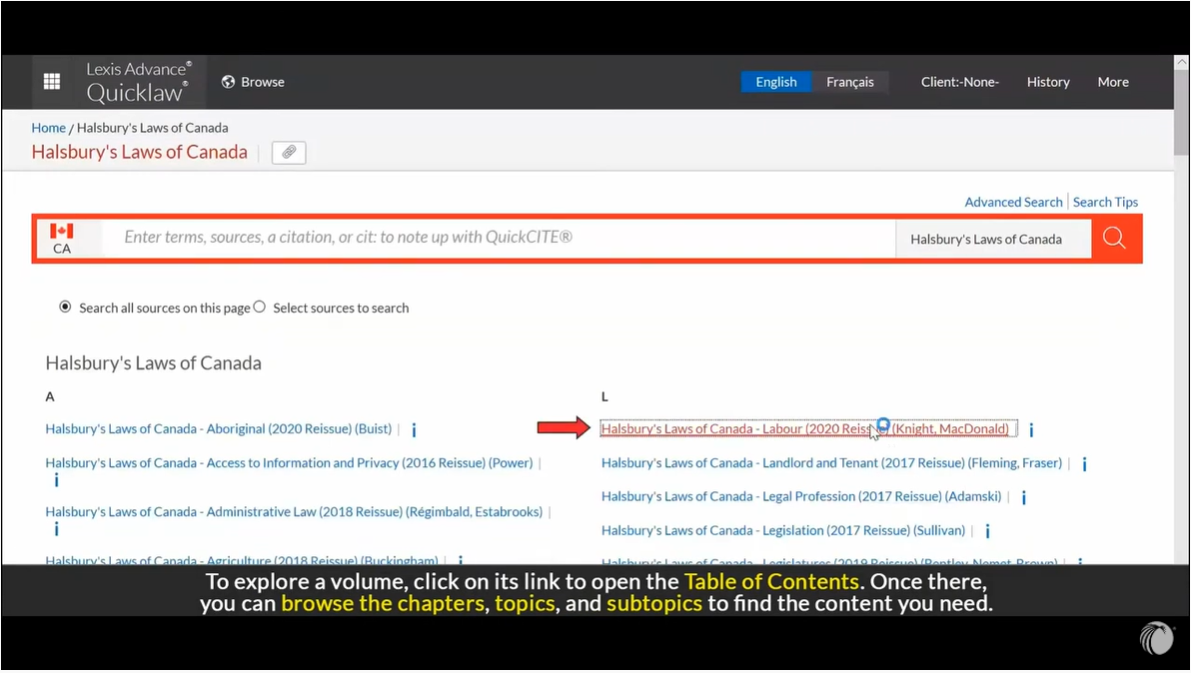
For over 100 years, Halsbury's has been recognized as the premier legal reference in the world of common law. Halsbury's Laws of Canada continues in the tradition, delivering an authoritative, reliable and elegant statement of Canadian law.
Video -

Forms
A look at the excellent collection of forms & precedents available on Lexis Advance Quicklaw.
Video -
Quantums
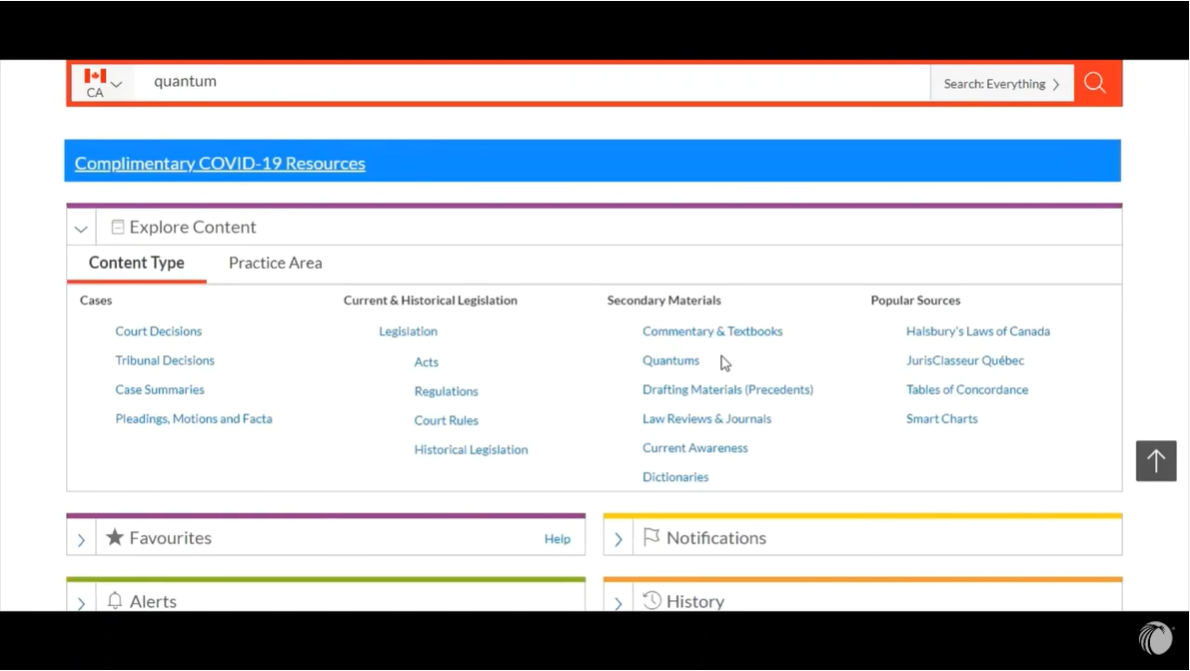
Learn about the Quantums collection on Lexis Advance Quicklaw which help you determine the levels of financial compensation, support awarded by the courts in given situations, or the sentences imposed for particular offenses.
Video -

Commentary (Selected Popular Sources)
See an overview of the excellent additional features available on the former CCH products now on Lexis Advance Quicklaw.
Video -
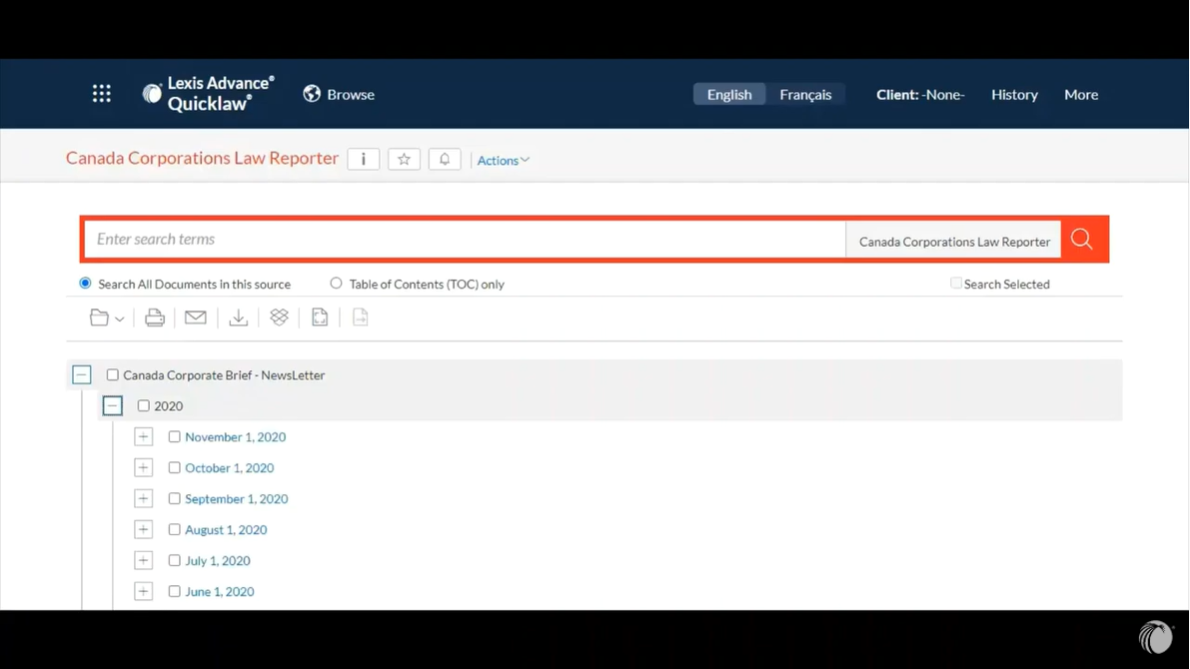
Current Awareness
Learn how to search for various current awareness tools available on Lexis Advance Quicklaw.
Video


PLEADINGS MOTIONS AND FACTA

Pleadings Motions and Facta
LexisNexis Advance Quicklaw allows you to quickly search for court documents like pleadings, motions and facta.
-
Pleadings Motions and Facta
LexisNexis Advance Quicklaw allows you to quickly search for court documents like pleadings, motions and facta.
Video

TOOLS AND FEATURES

Favourites
Learn how to save filters and sources as favourites to make your searching on Lexis Advance Quicklaw as efficient as possible.
-
Favourites
Learn how to save filters and sources as favourites to make your searching on Lexis Advance Quicklaw as efficient as possible.
Video -

Highlighting and Annotating
Review of the annotation and highlight features available in Lexis Advance Quicklaw
Video -
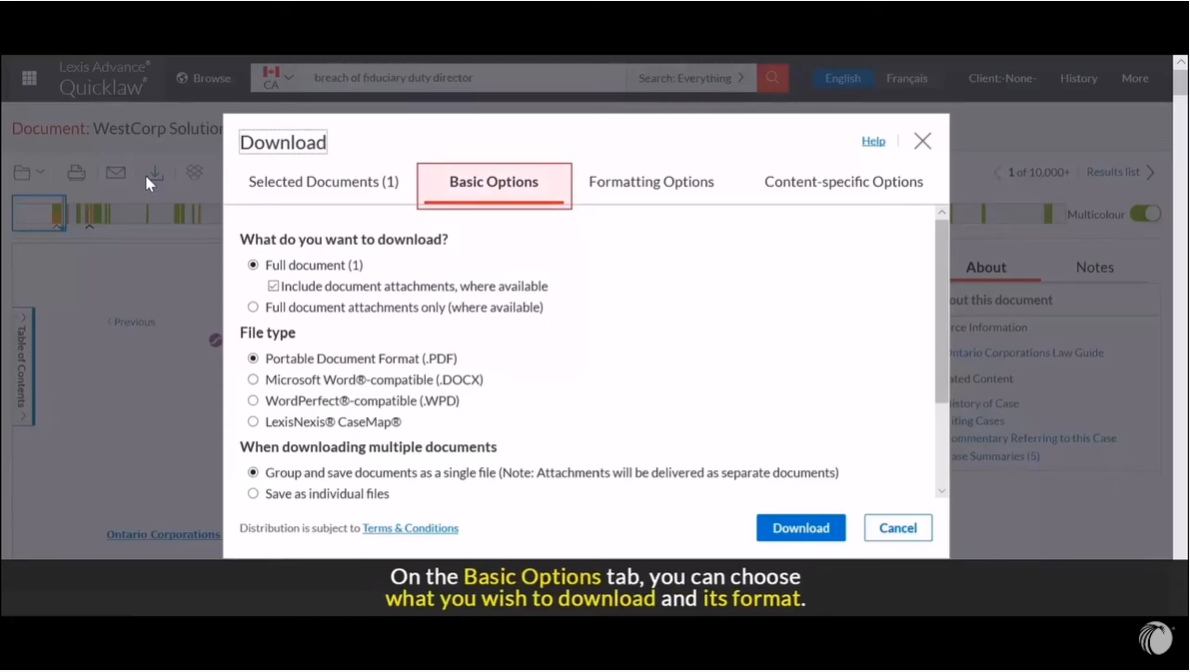
Delivering Documents
Find out how to print, save, email, and save your documents to Dropbox on Lexis Advance Quicklaw.
Video -

Folders
Use folders to save documents permanently and organize and collaborate on your research.
Video -

Copy Citation
Copy citations and text (including the parallels) easily using these features.
Video -

Notifications
An explanation of what notifications are and how to control them on Lexis Advance Quicklaw.
Video
-

Favourites NEW
Favourites NEW
Article -

Building Efficiency When Working From Home
Article -

Criminal Code: Accessing the Criminal Code and Related Resources UPDATED
Article -

Access Out-of-Subscription Documents
Article -
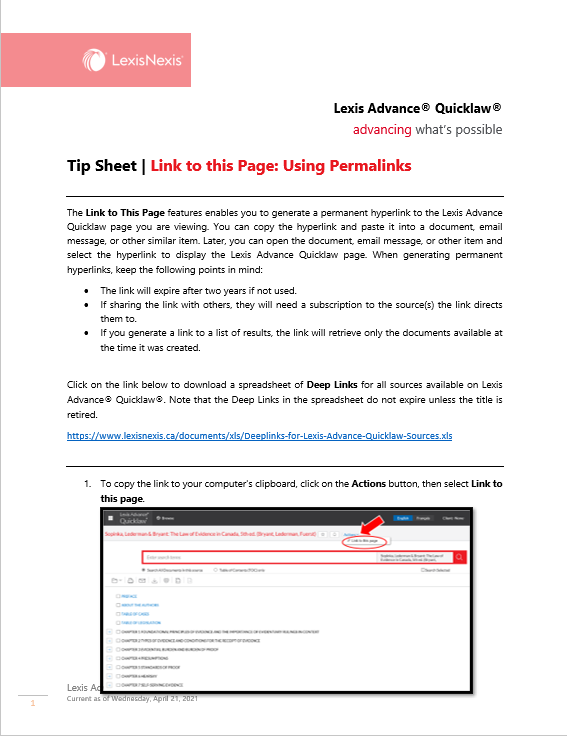
Link to This Page: Using Permalinks UPDATED
Article -

Deliver: Print, Download and Email
Article -
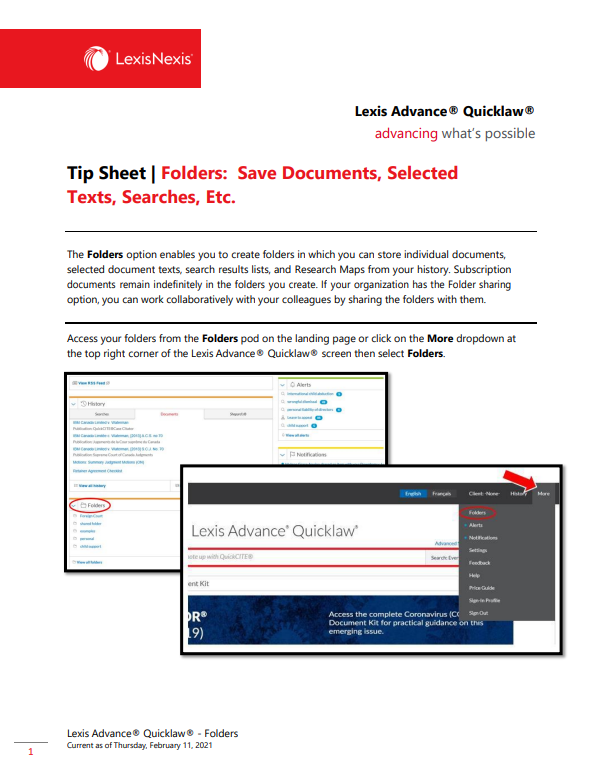
Folders
Article -

History
Article
List of Documents
MANUALS AND QUICK REFERENCE GUIDES
- Lexis Advance Quicklaw User Guide
- Lexis Advance Quicklaw Quick Reference Guide
- Law Student Quick Reference Guide
GET STARTED
Videos
SEARCHING
Videos
- Natural Language Searching
- Pre-Search Filters
- Word Wheel and Finding Sources
- Browsing Sources
- Segment Searching
- Viewing and Filtering Results
- Searching Legislative Sources
- Searching Secondary Sources
- Searching Case Law
- Searching International Content
- Boolean Searching
Tips Sheets
- Browsing Sources & Topics
- Filter Your Search
- Restricting Your Search to a Specific Source
- Search Results: Find Most Relevant Documents Fast
- Start Your Search: Red Search Box
- Boolean Searching
EXPLORE CONTENT
Videos
ALERTS
Video
Tips Sheet
NOTING UP
Video
Tips Sheet
CONTENT
Videos
- Canadian Forms & Precedents
- Topics
- Canada Digest
- Halsbury's Laws of Canada
- Forms
- Quantums
- Commentary
- Current Awareness
Tip Sheets
PLEADINGS, MOTIONS AND FACTA
Video
Tips Sheet
TOOLS & FEATURES
Videos
Tips Sheets