Sanction®
Support & Training
Getting Started
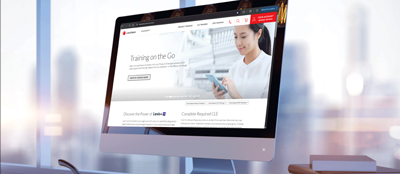
Training on the Go
View just in time video training support in the office or on the go.
Download Center
Visit the Download Center to download the latest version of Sanction to your desktop.

Sanction® Software Answer Center
The Sanction Software Answer Center (version 5) brings together helpful topics and useful information. Additional versions can be found below.
User Guides

-

Sanction®︎ Installation Guide
Once you have visited the Download Center for the current version of Sanction, use this guide to review system requirements for setup considerations and suggestions.
Article -
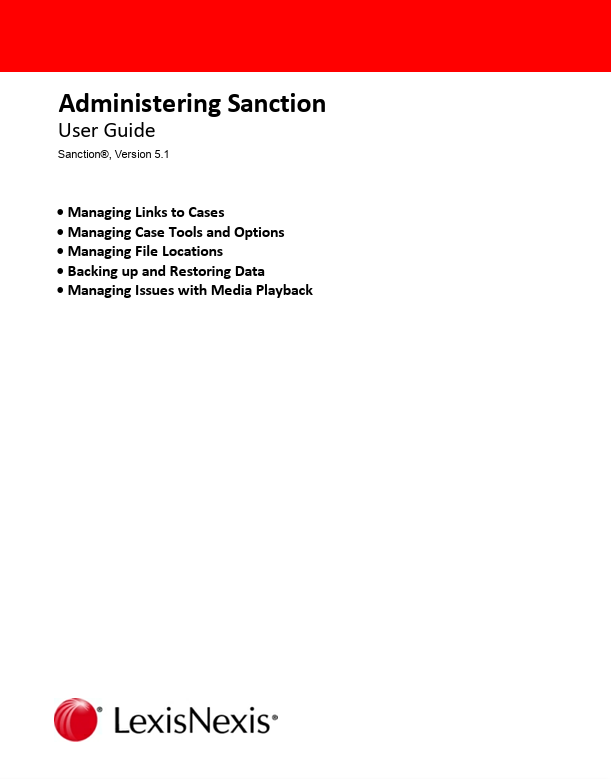
Administering Sanction®︎
A practical, task-focused user guide designed to help administrators quickly configure, maintain, and troubleshoot Sanction so cases, media, and backups remain reliable and disruption-free throughout the trial workflow.
Article -

Using Sanction®︎
A clear, user-centered guide that walks legal professionals through getting started with Sanction®, managing cases, delivering presentations, generating reports, and using keyboard shortcuts to work faster and more confidently.
Article
Additional Answer Centers
Customer Support
Our team of professionals are available to assist you with any questions.
Hours of Operation
Monday-Friday 9am-7pm EST
Telephone
Toll free: 800.543.6862 Option 4, 4, then 1